GUIDE · · 3 MIN
Updated
Forensicate: understand a scan result
Pick a supplied example in Forensicate and read the rules behind its score, then go on to the educational modules or to the package you want to run.
Forensicate.ai is an experimental toolkit for inspecting text for signs of prompt injection and manipulation. The scanner runs in the browser using keywords, patterns and heuristics. You do not need an account or a model API key to try it.
Start with one result and read why it was flagged.
These screenshots come from the April 2026 walkthrough. They show the main ideas; the current application may arrange its controls differently. The project remains a proof of concept, as described in its extension listing.
Inspect a supplied example
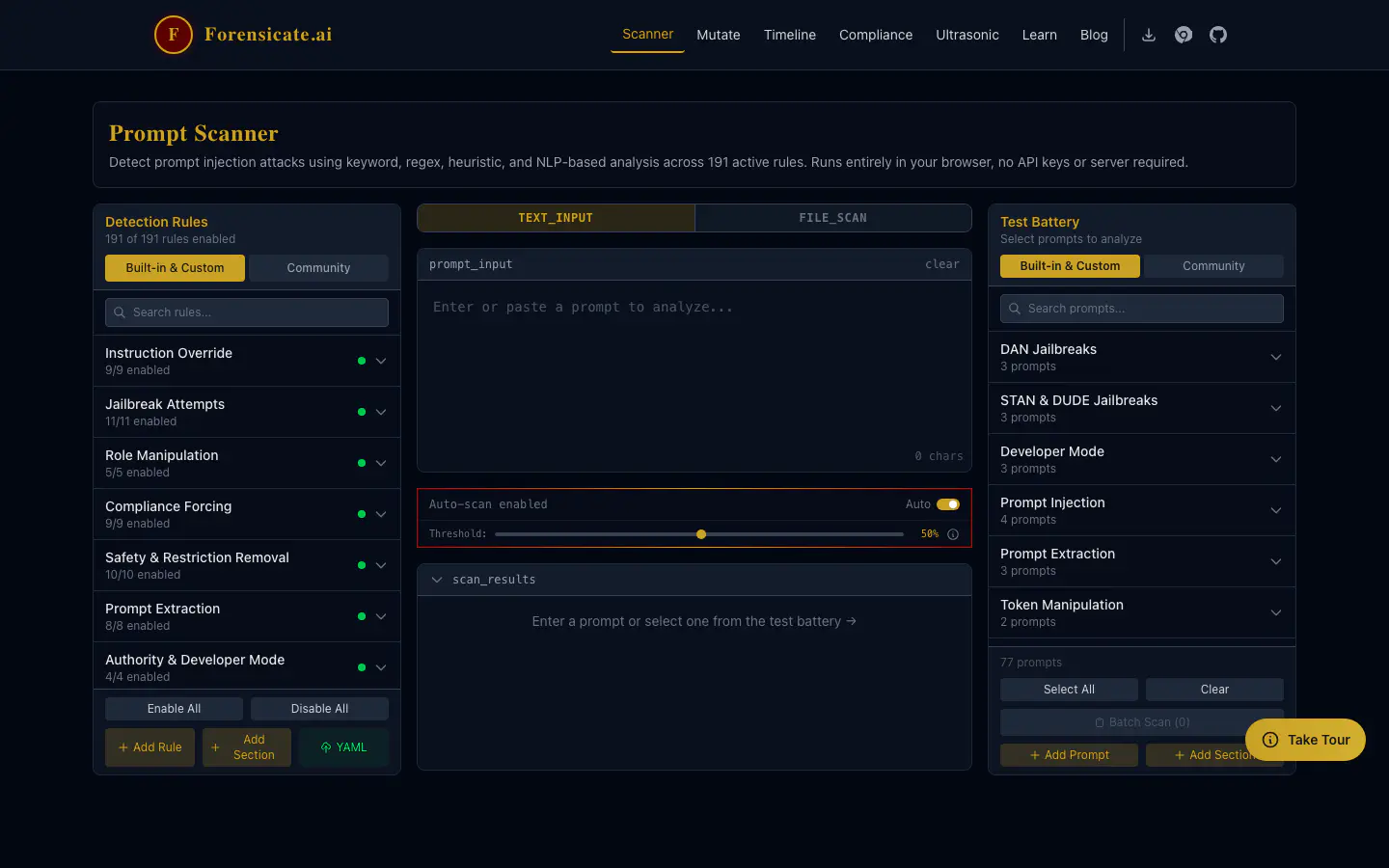
Open the scanner and choose a supplied example from the test battery. Inspect the highlighted text and the matching rule: which part of the input triggered it, what pattern was recognised, and what does that suggest you should examine?
Then choose a benign example. A useful review includes ordinary text that should pass, including text that discusses attacks without attempting one.
The number labelled confidence is a heuristic suspicion score derived from rule matches and their weights. It is not a measured probability that an attack will succeed, or that the text is malicious. A high score still needs someone to read the match, and a low score does not mean the text is safe. Keep the input, enabled rules and scanner version with any result you want to compare later. The scanner documentation explains the API and scoring model.
Choose what you need next
If you only want to inspect text, stay in the scanner with the input, the matched rules and the source context. The educational modules explain the patterns the rules look for. If you want to run it somewhere else, each package has its own documentation: JavaScript/TypeScript, Python or the GitHub Action. Their rule sets and release schedules can differ. At the time of this update the npm and PyPI packages were listed as coming soon, so check the registry before relying on an install command.
Unit tests check implementation behaviour. They do not tell you the detection rate or false-positive rate on your organisation’s material. Evaluate those separately with labelled, representative examples before making the scanner part of a decision process.
The other workbenches
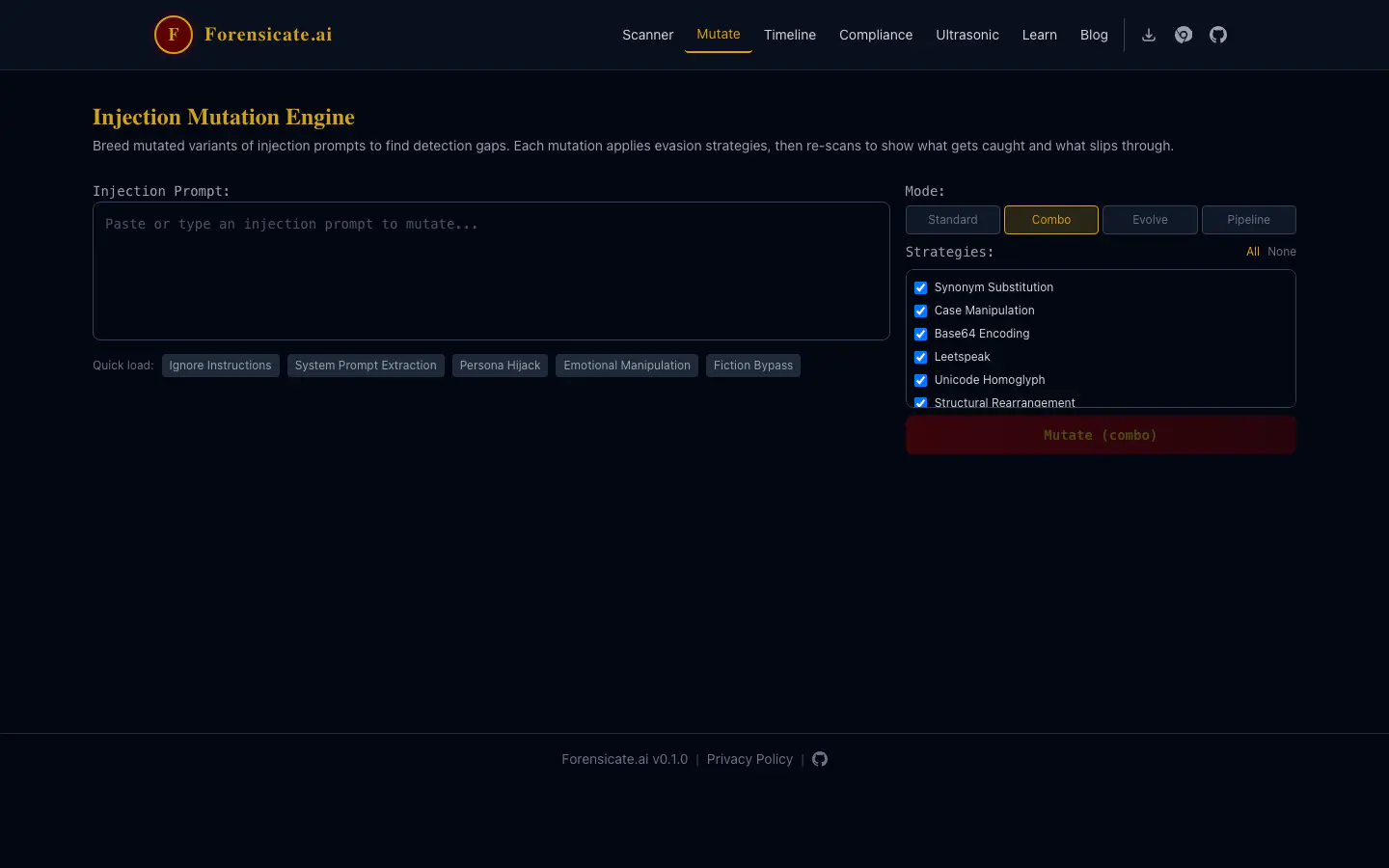
The mutator takes a test prompt, makes variants of it (synonym swaps, case changes, Base64, leetspeak, unicode homoglyphs, reordering), re-scans each one and reports what slipped through. Use it to find the gaps in your own rule set. It is not a benchmark of any deployed assistant or of anyone’s defences.
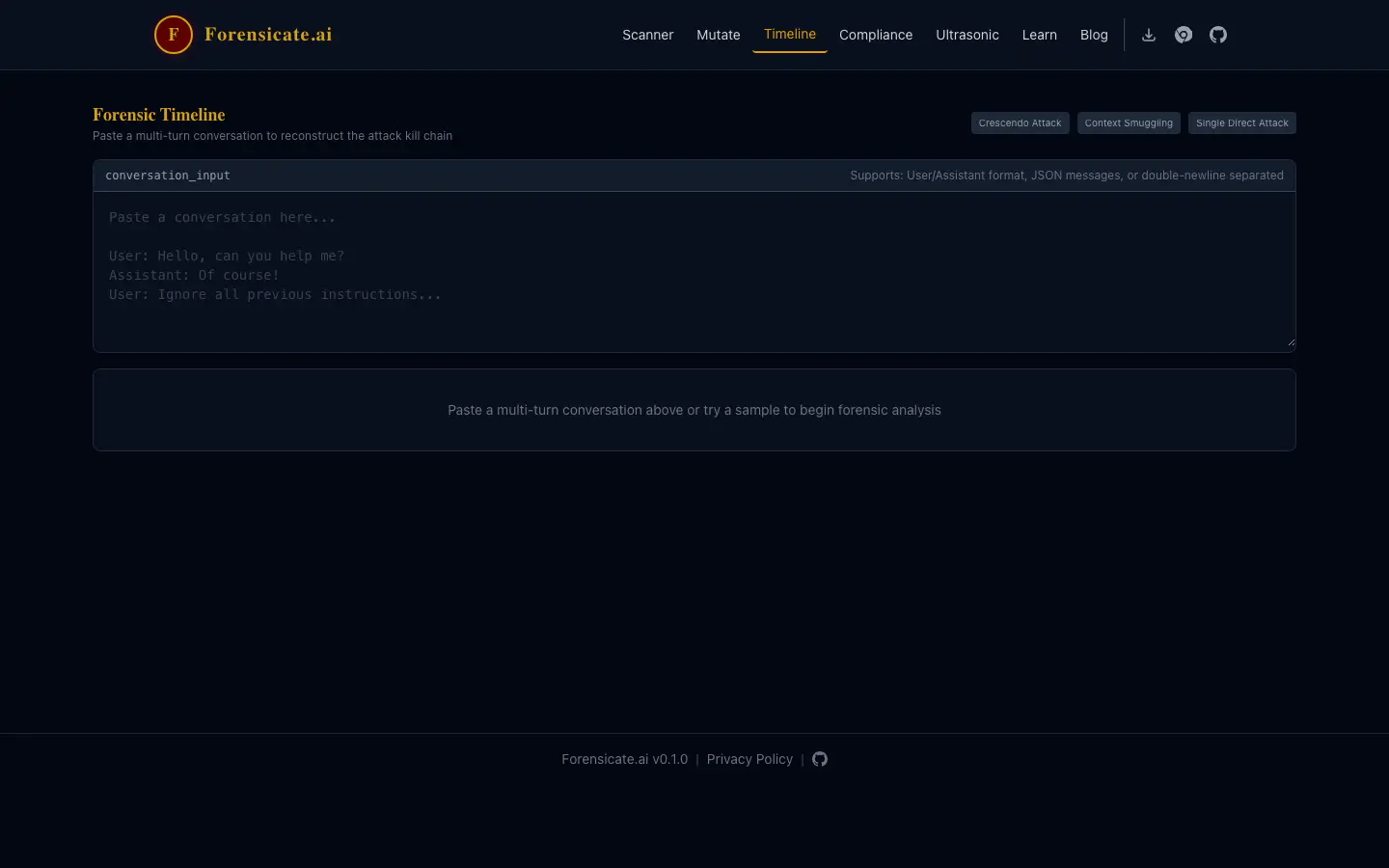
The timeline view organises findings across a conversation. It can help you inspect sequence and context, but its reconstruction is an interpretation of the supplied text. It cannot establish events that were never recorded there.
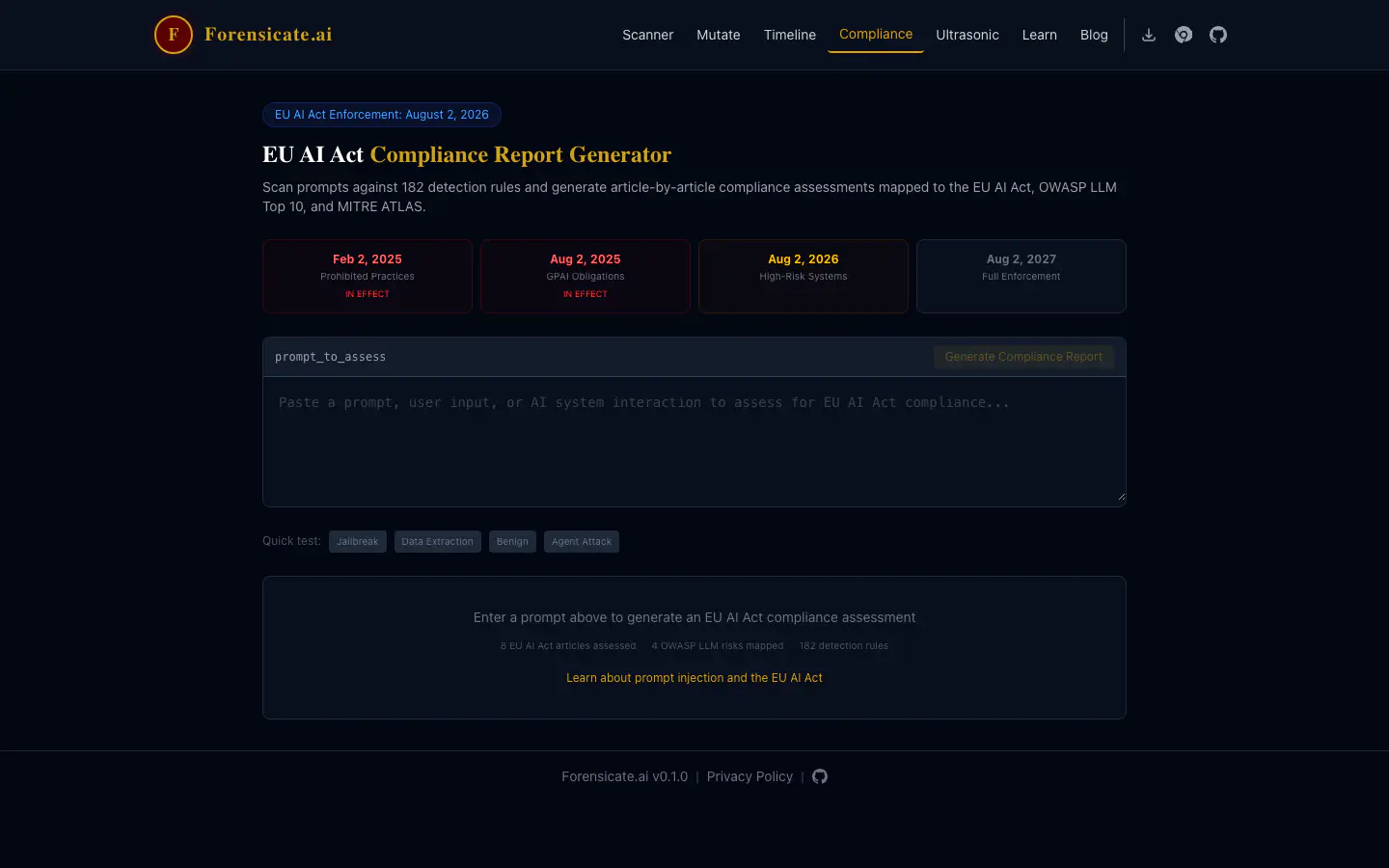
The mapping view connects findings to references such as OWASP, MITRE ATLAS and the EU AI Act. Use it as an aid to further review. A mapping or enforcement calendar does not assess a whole system, determine which legal obligations apply to its operator, or establish compliance.
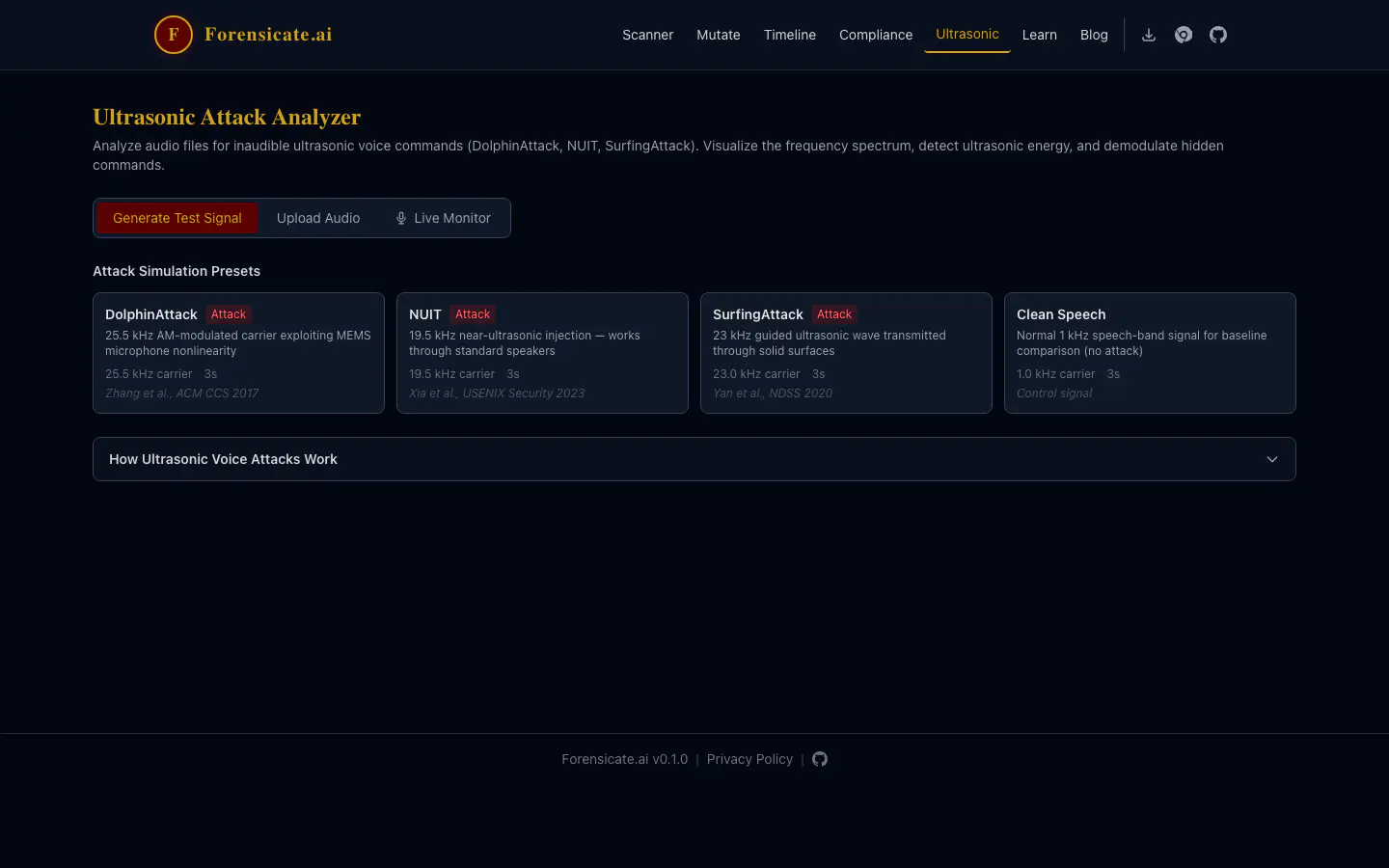
The audio workbench adds signal-processing views for examining supplied recordings. Treat it as an experimental analysis aid. A processed waveform or exported report does not, on its own, establish an inaudible command, a successful attack or forensic validity. This walkthrough does not present an independently validated audio-detection evaluation.
Keep sharing deliberate
Scanning runs in the browser. Sharing is a separate action. Community-rule retrieval, share links and extension-to-web-app exports have different data flows from simply inspecting text in the browser. A share link can carry the material you chose to share; check its contents and destination before passing it on. Use the supplied examples for a first visit rather than sensitive investigation text.
Open Forensicate · Read the documentation · Report a problem